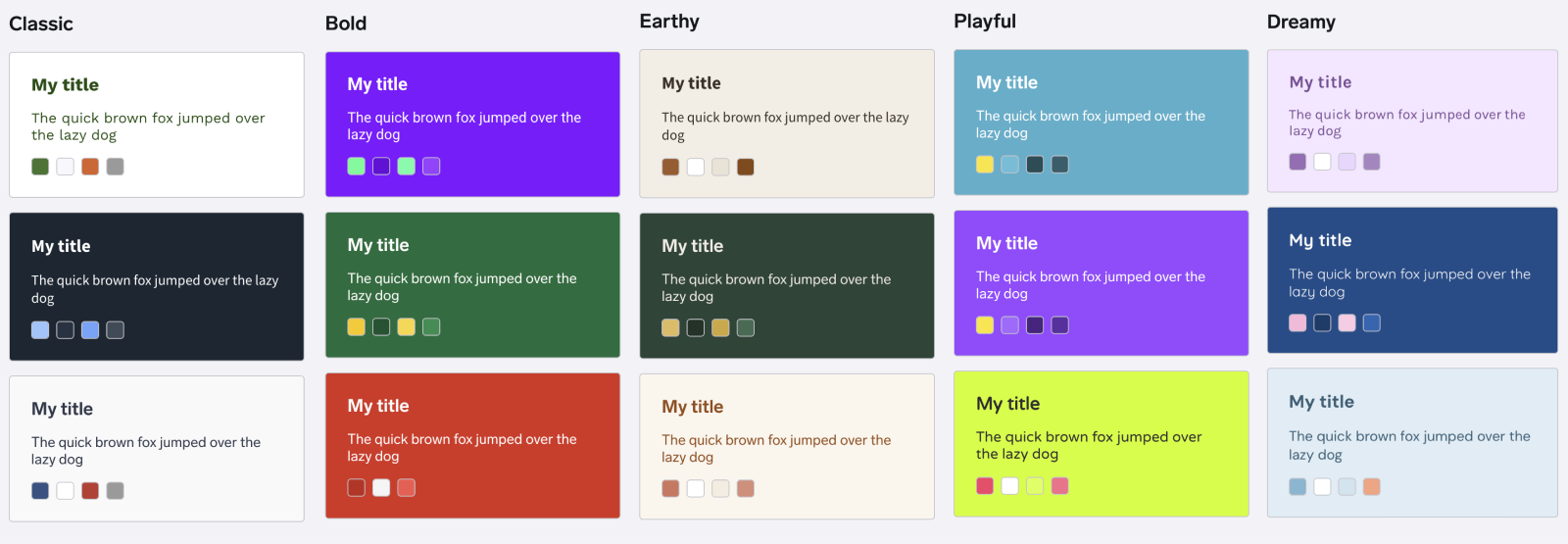
We've just released a suite of template updates to give you more control over your shop's design and functionality. Here's what's new across all 12 templates:
Shop Sprinkles just got more festive
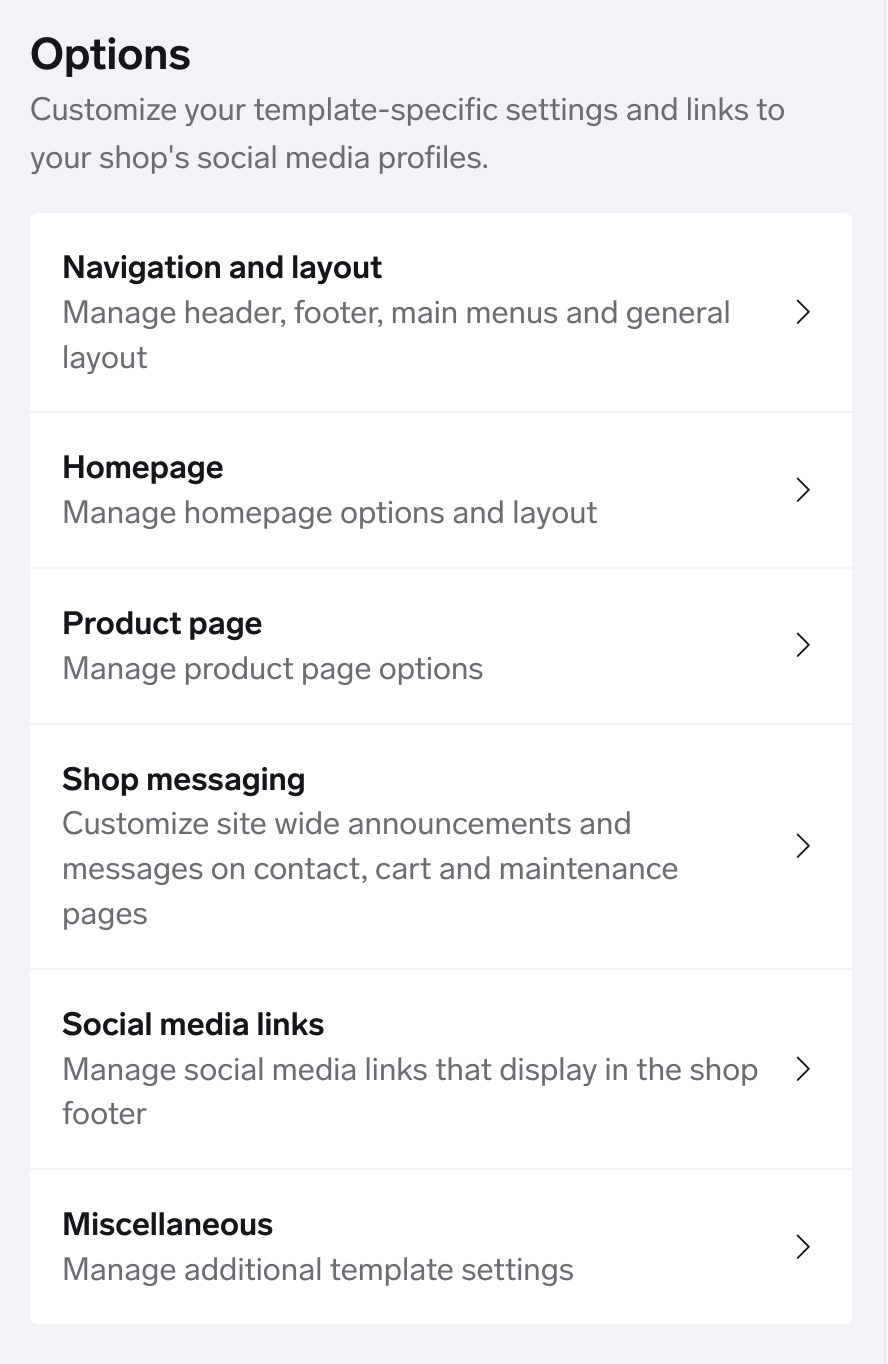
Shop Sprinkles was a hit last holiday season, and you asked for more control — so we've added new animation styles, sizing options, and even a "party mode" to help you create the perfect vibe for your shop. You’ll find these new settings in the Miscellaneous settings section in shop designer as soon as you upgrade your template to the latest version.
What's new:
Two new animation styles: Choose from “Orbit” (emojis spin in circles as they fall) or “Tumble” (emojis flip end over end), in addition to the original “Drift” style
Enhanced depth effect: All three animation styles now have a more polished, subtle 3D look
Size control: Make your emojis bigger or smaller to match your shop's aesthetic
Density options: Adjust how many emojis appear on screen, from subtle to full-on "party mode" — we automatically optimize the effect for desktop and mobile so it looks great everywhere
With all these combinations, you can fine-tune Shop Sprinkles to perfectly match your brand and style. Check out this video to see some of the possibilities:
Here’s another example showing how the effect can be fun and whimsical using the new orbit style with large emoji:
Password-protected product pricing (Diamond plan only)
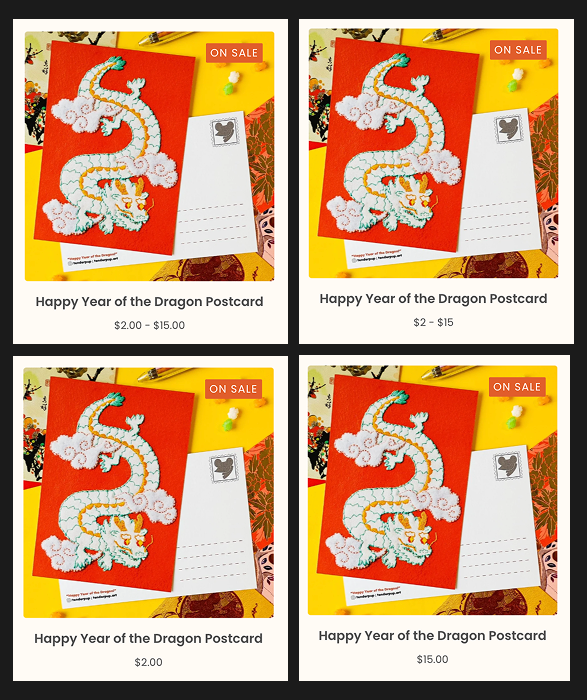
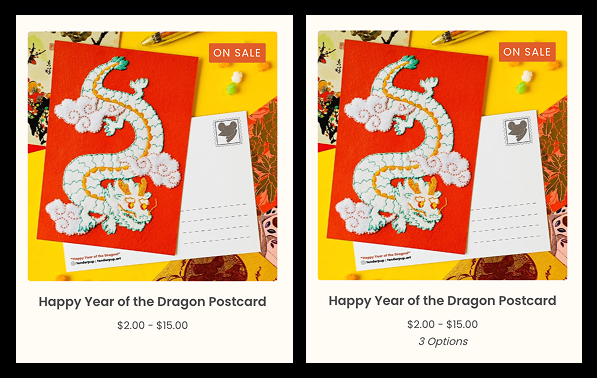
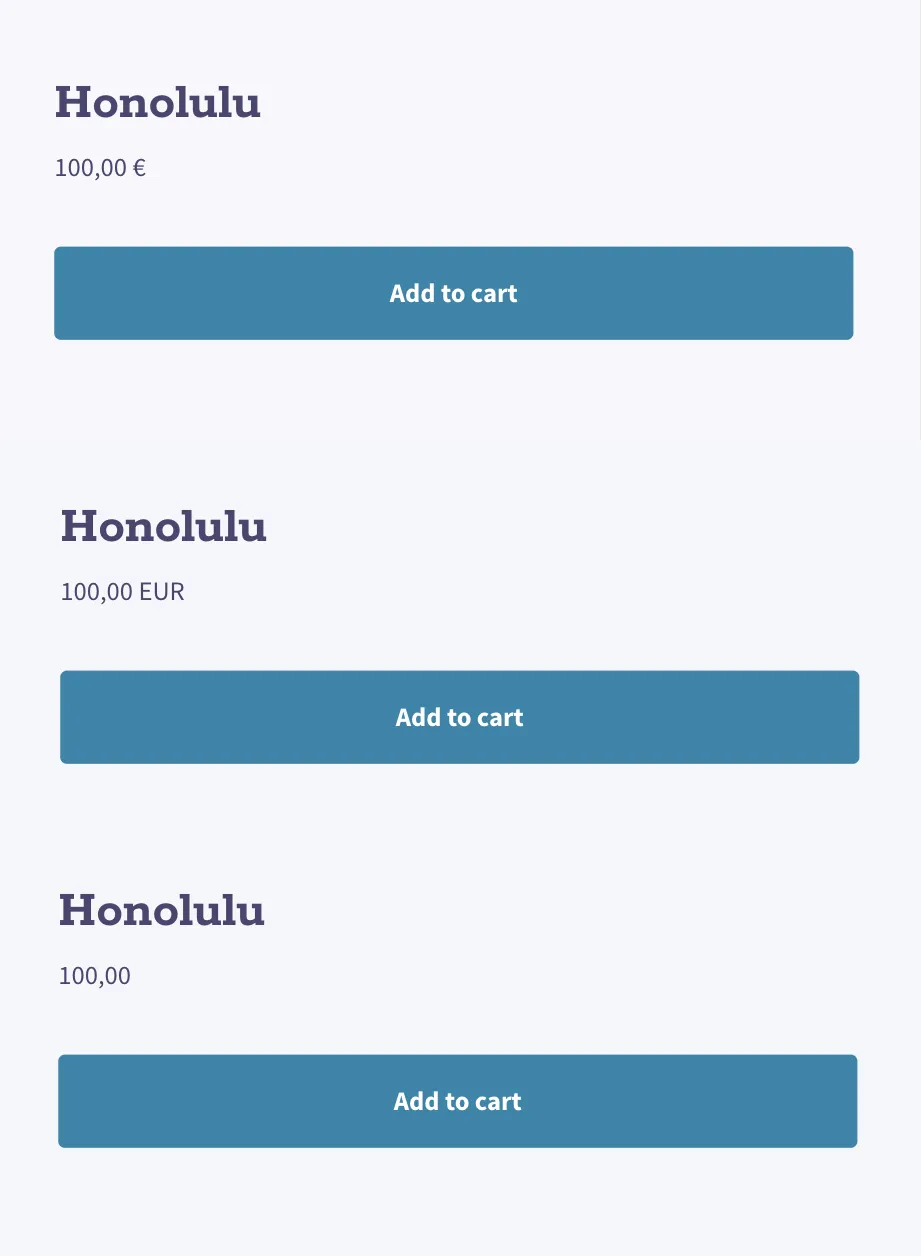
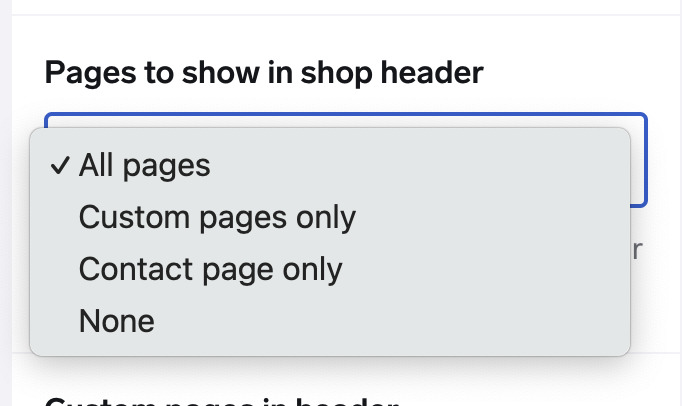
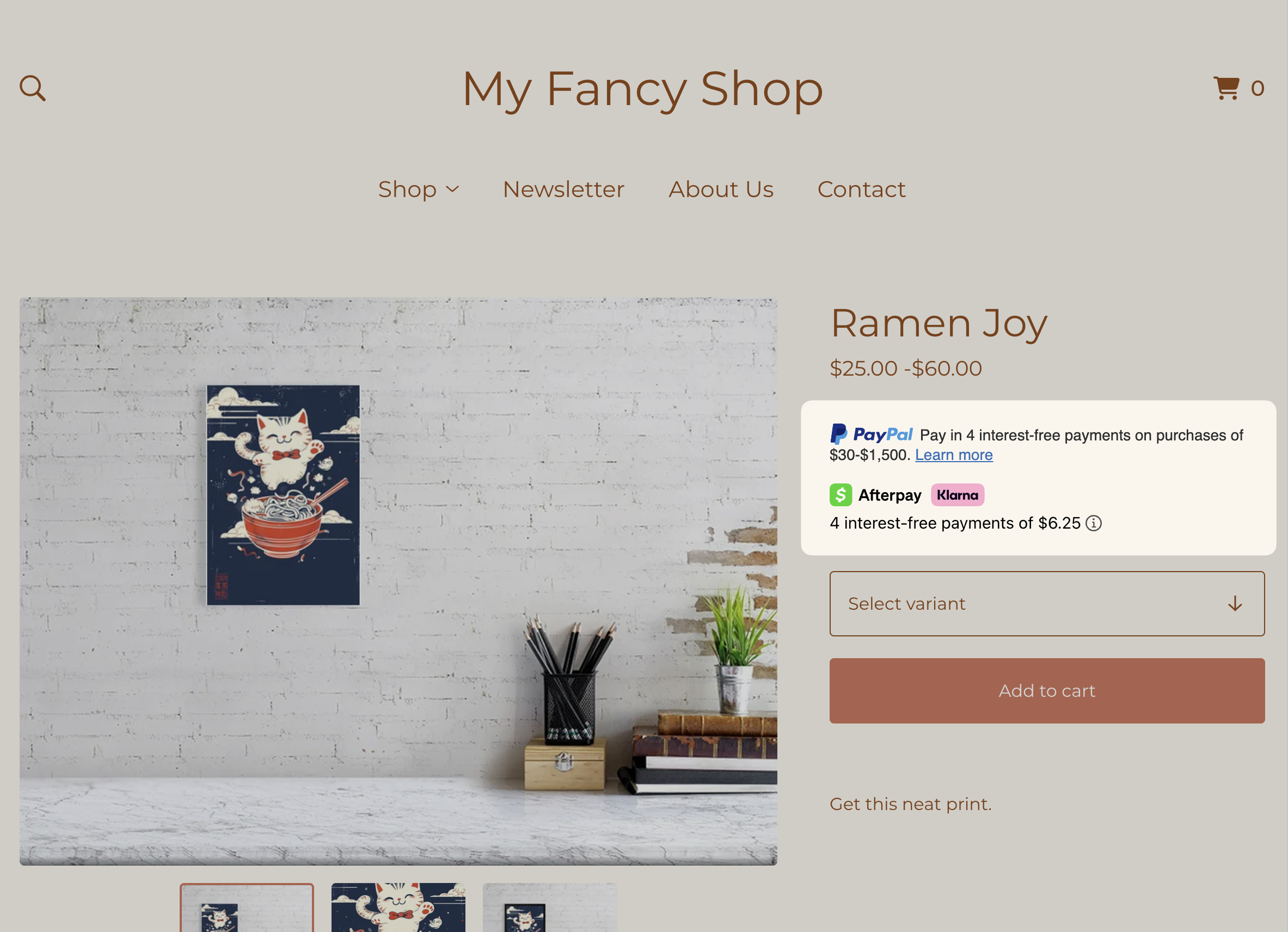
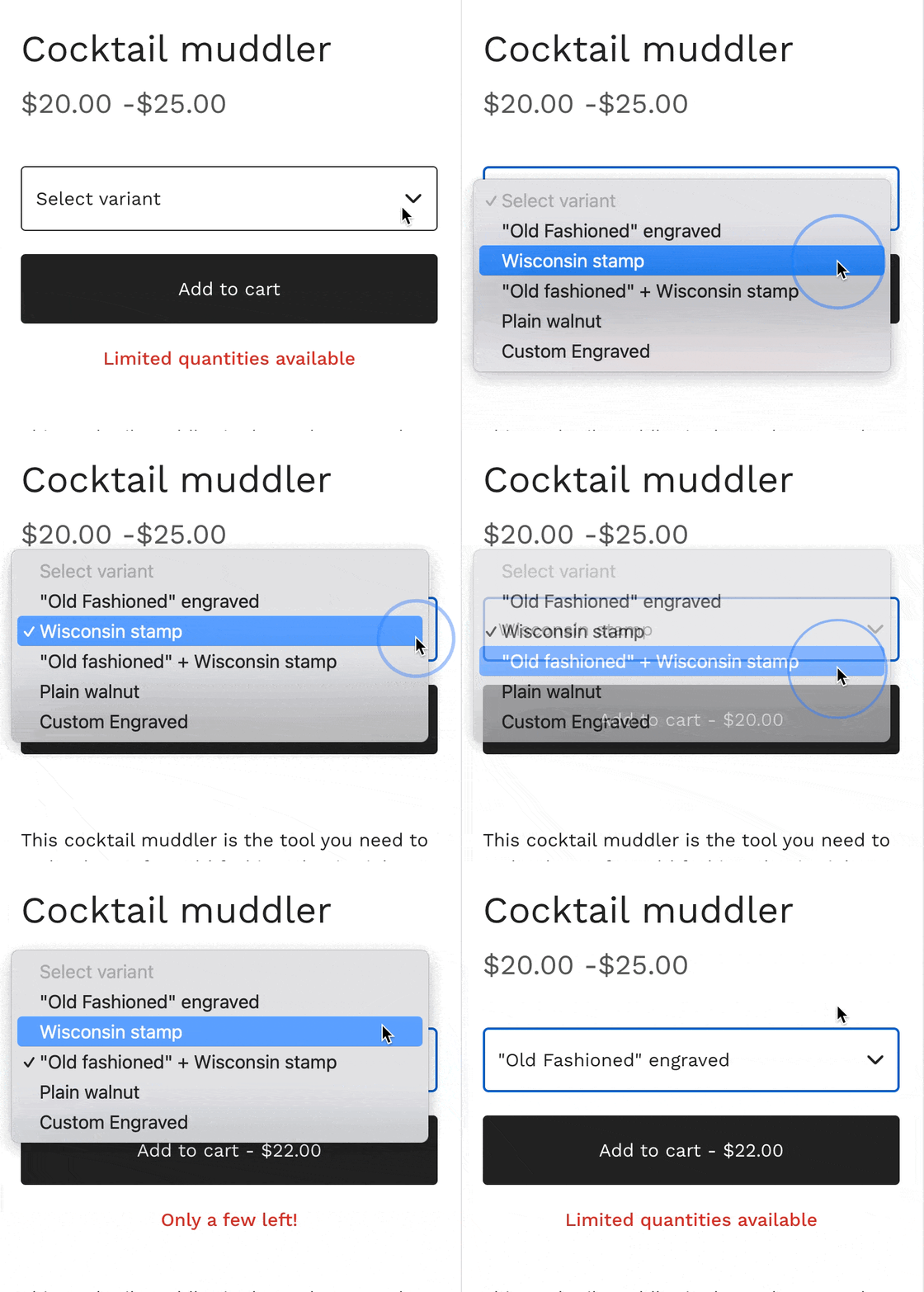
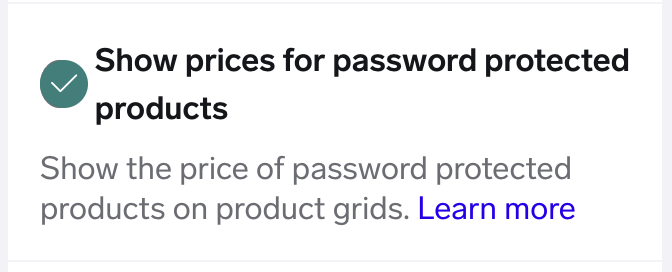
In September, we added the ability for our Diamond plan sellers to add password protection to their products. A popular request was to add the option to hide prices for these types of products in the shop product grids as away to build exclusivity and keep details hidden until buyers unlock access. This joins our existing options to hide prices for sold out or coming soon products.
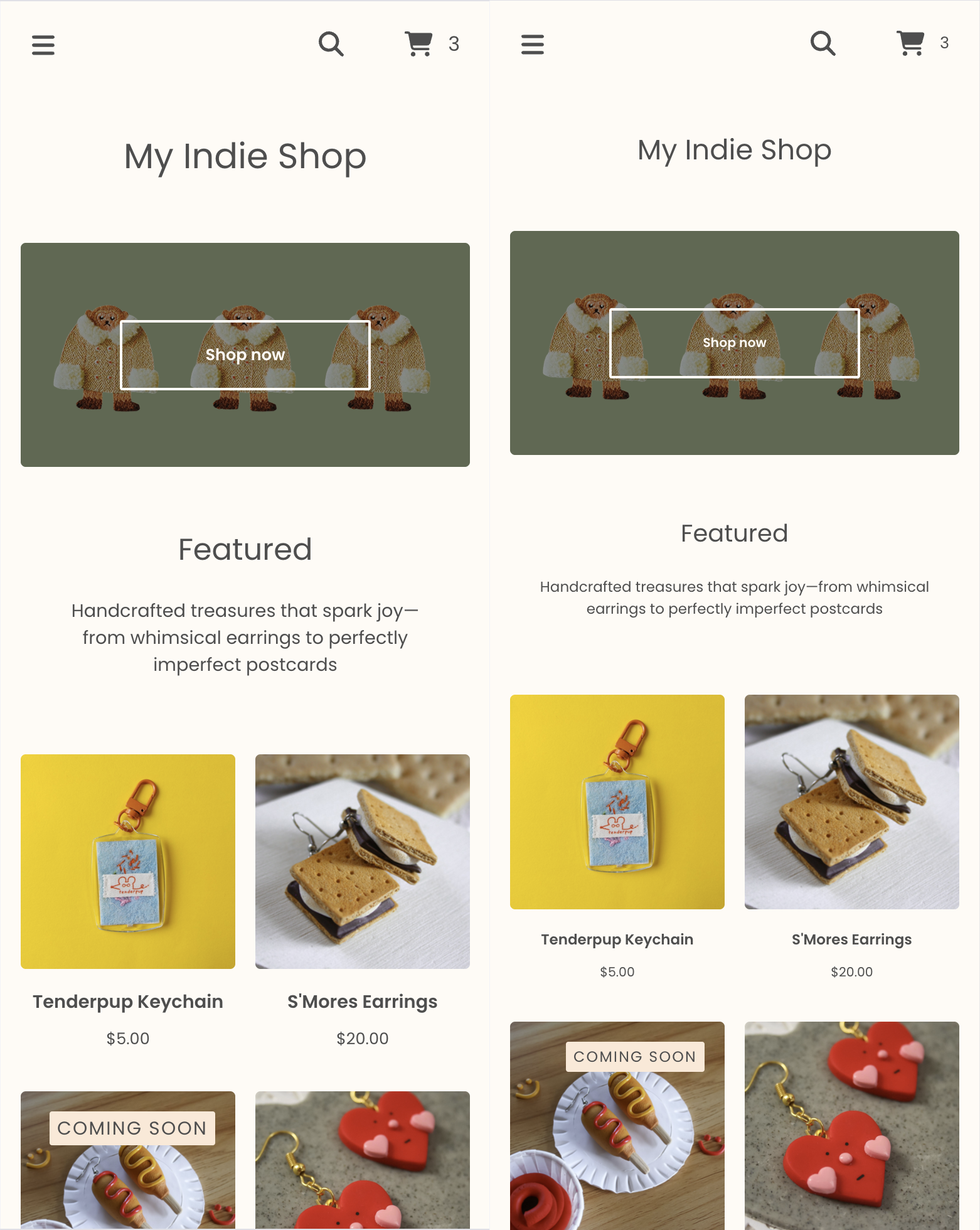
Fine-tune your shop’s text size
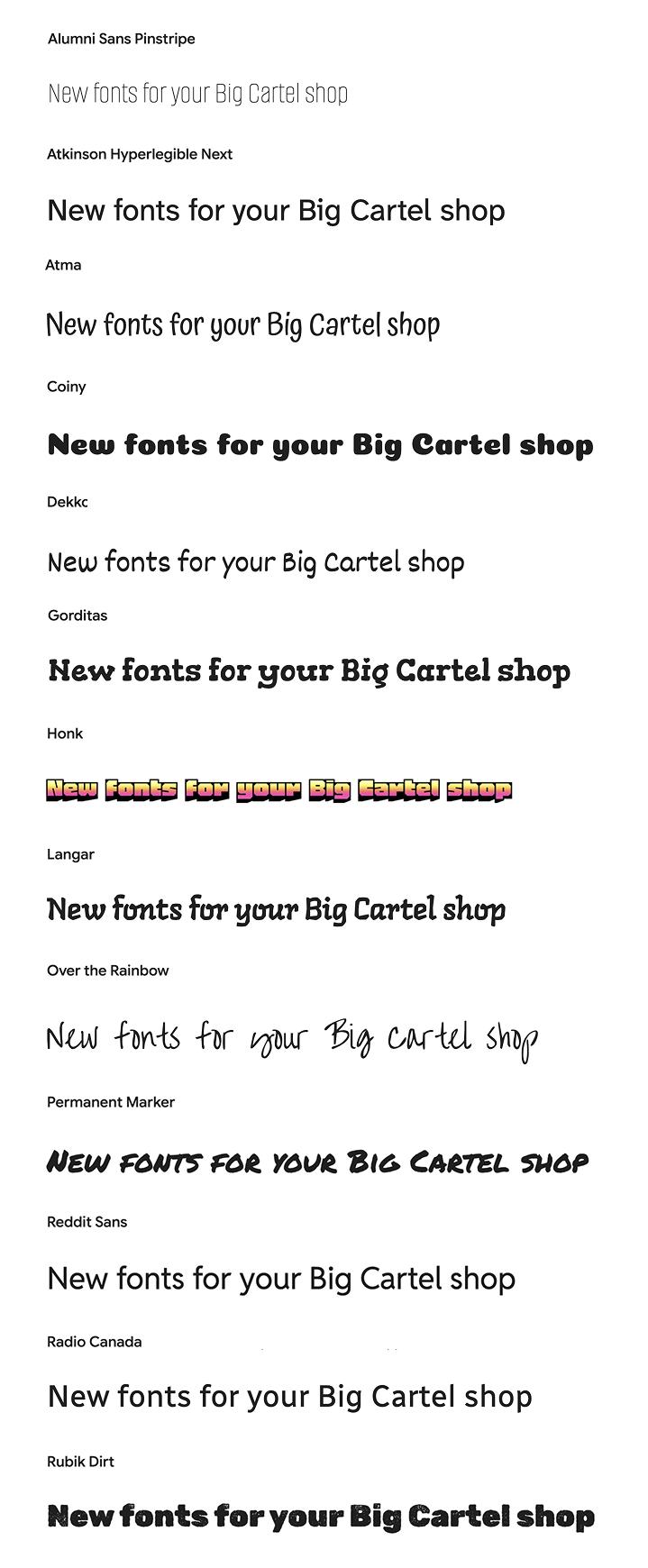
Want to adjust your text size without touching code? Now you can control typography across your entire shop with simple template settings. Scale all text at once, or customize specific sections like your header, footer, product grids, and product pages—perfect for dialing in the right look, especially with stylized fonts that run larger or smaller by default.
For example: one setting can scale your entire shop's text to 80% of its original size. Mix and match settings to get exactly the look you want, no CSS required.
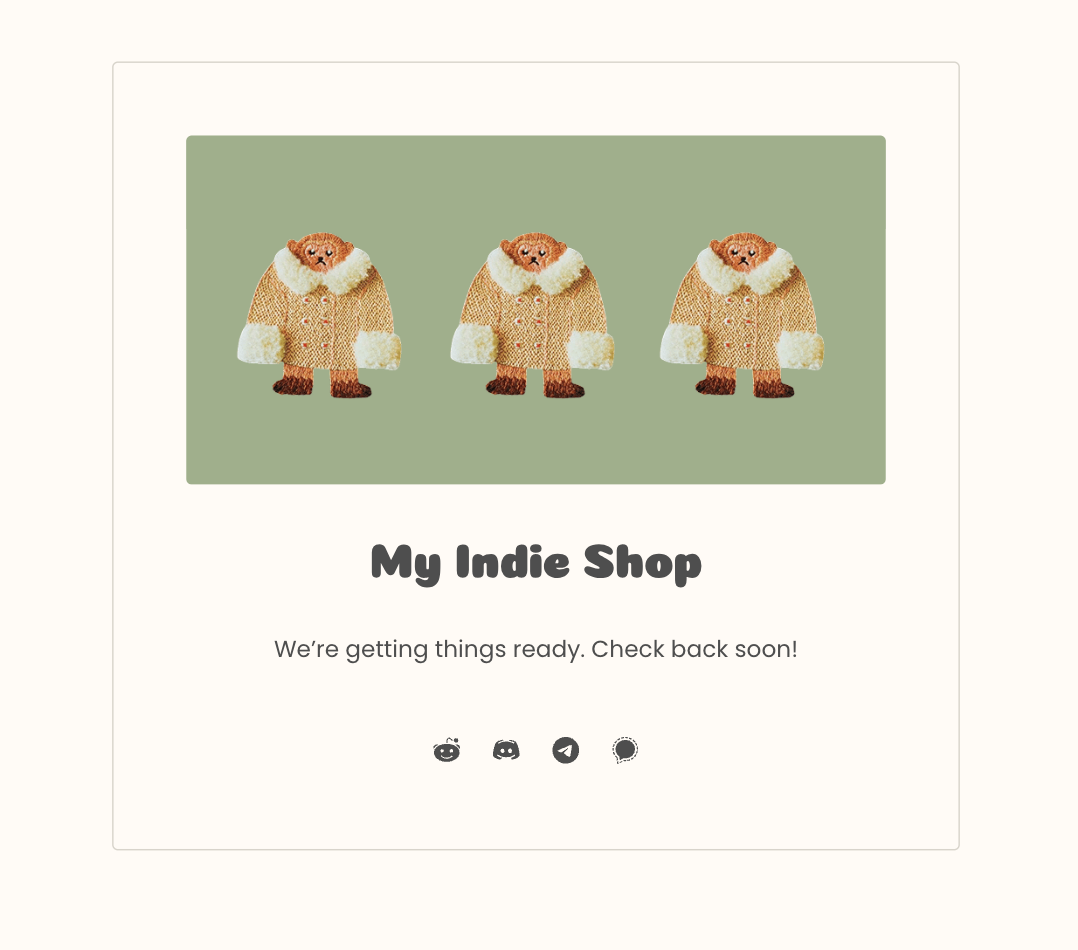
Maintenance page images
Upload a custom image or logo for your maintenance page without writing any code. You can even hide your shop name if your image already includes it — perfect for keeping your branding consistent.
Scrolling announcement banners
Got a longer announcement or what to add a bit of flare? Set your banner message to scroll horizontally and loop continuously. You can even control the scrolling speed to get it just right.
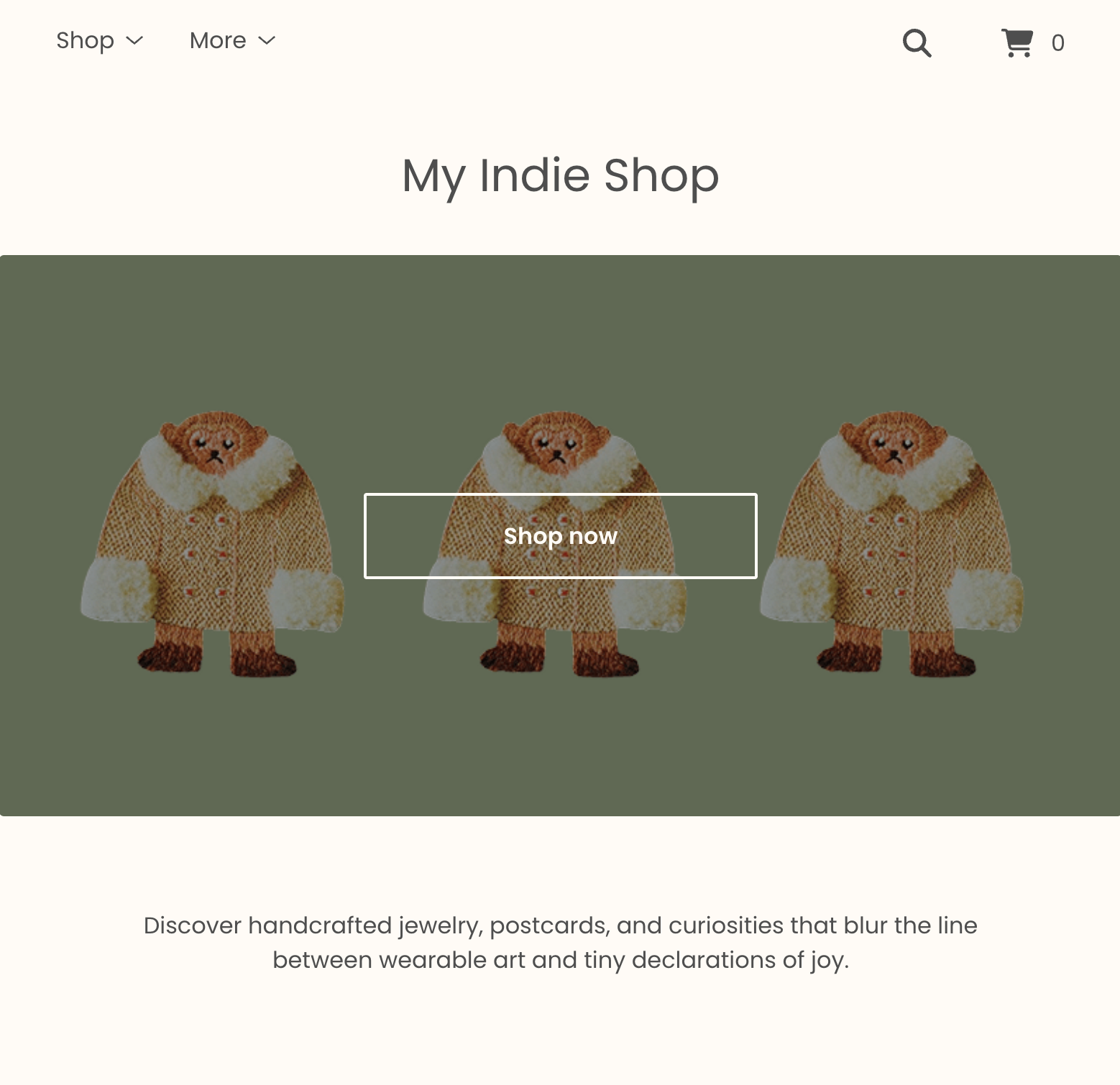
Featured homepage text without products
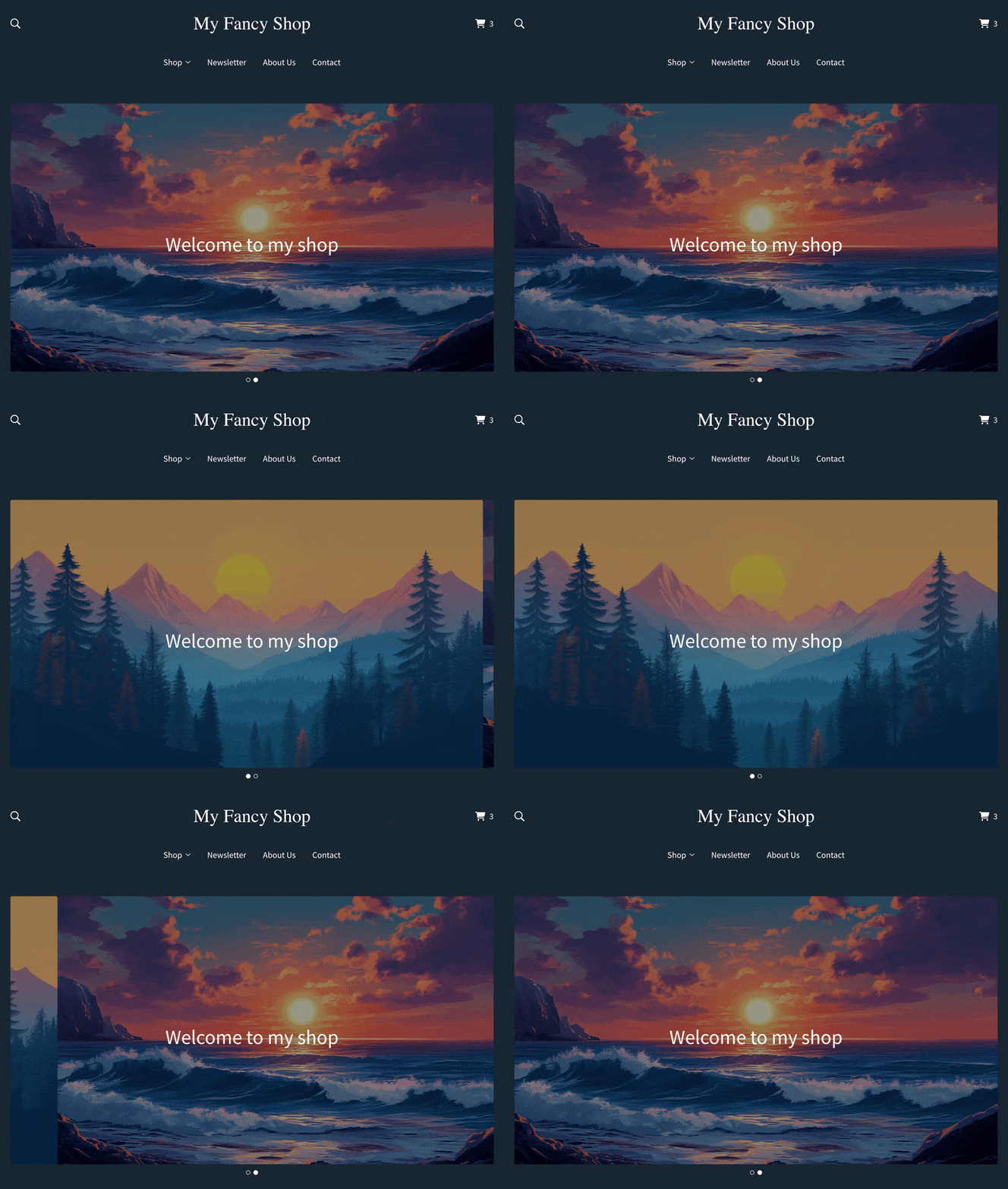
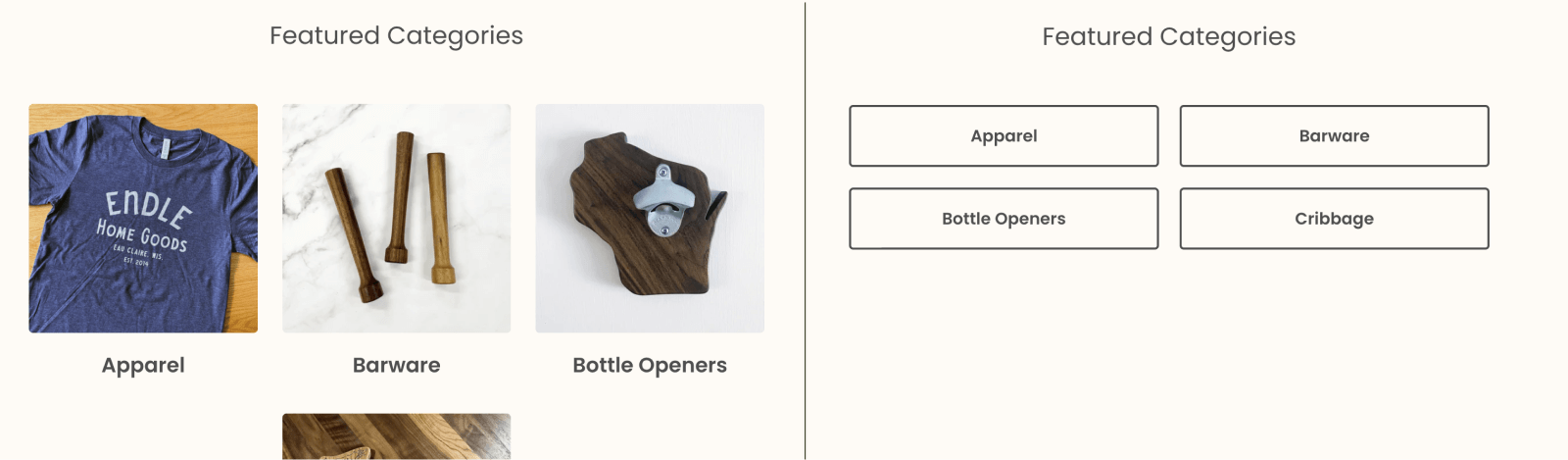
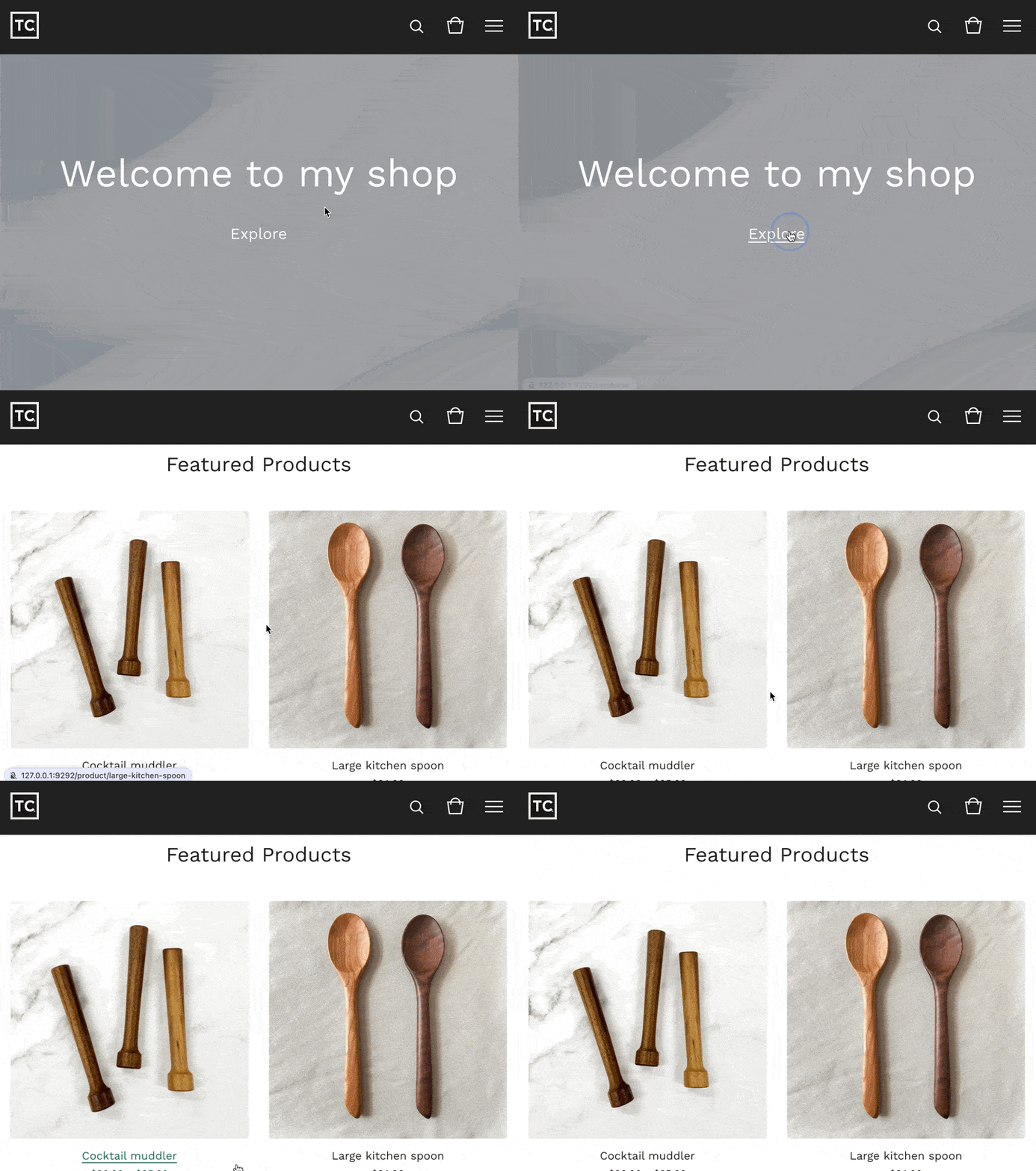
Many sellers have requested the ability to still have featured homepage text without showing products or categories. It’s now possible so you can have a more minimal homepage, with a high impact feeling when it’s paired with a welcome/hero image.
Ready to use these updates? Head to your shop designer — many shops already have the latest template version waiting as a draft. Simply review your settings, make any adjustments you'd like, and hit Publish when you're ready. These features are available to all sellers on free and paid plans (except password-protected pricing, which requires our Diamond plan).